
DEX charts
Chart any token with /c, /cc, and /cx, pick a timeframe, switch to FDV, and set the chart theme with /ctheme.
Rick renders its own candlestick charts for tokens on every supported chain.
/c adds a chart to a token scan, /cc sends only the chart, /cx sends a
compact scan with a chart, and /ctheme sets the look of every chart in the
chat.
Changed settings, including the theme, can take a few minutes to apply.
Commands
| Platform | Command | Description |
|---|---|---|
| /c <token> [timeframe] | Token scan with a chart. |
| /cc <token> [timeframe] | Chart only. |
| /cx <token> [timeframe] | Chart with minimal token details. |
| /ctheme [theme] | Show or set the chart theme for this chat. |
Usage
Add a timeframe or a modifier after the token, in any order, for example
/c btc 15m or /cc 0x1a2b3c 5m wide.
/c <token> [timeframe] [wide] [mc]- scan with a chart.- Timeframes:
1m,5m,15m,1h,4h,12h,1d,1w. Without one, Rick picks a timeframe from the pair age. wide- a wide chart with more candles.mc,mcap, orfdv- show FDV values on the axis.porpriceforces the price axis instead.
Quick mode: reply to any Rick scan with the command you want, for example
reply with /c 1h or /cc wide, and Rick charts that token.
Charts switch to FDV values automatically for tokens under $100M FDV, so
most memecoin charts read in market cap. Bigger tokens chart in price unless
you add mc.
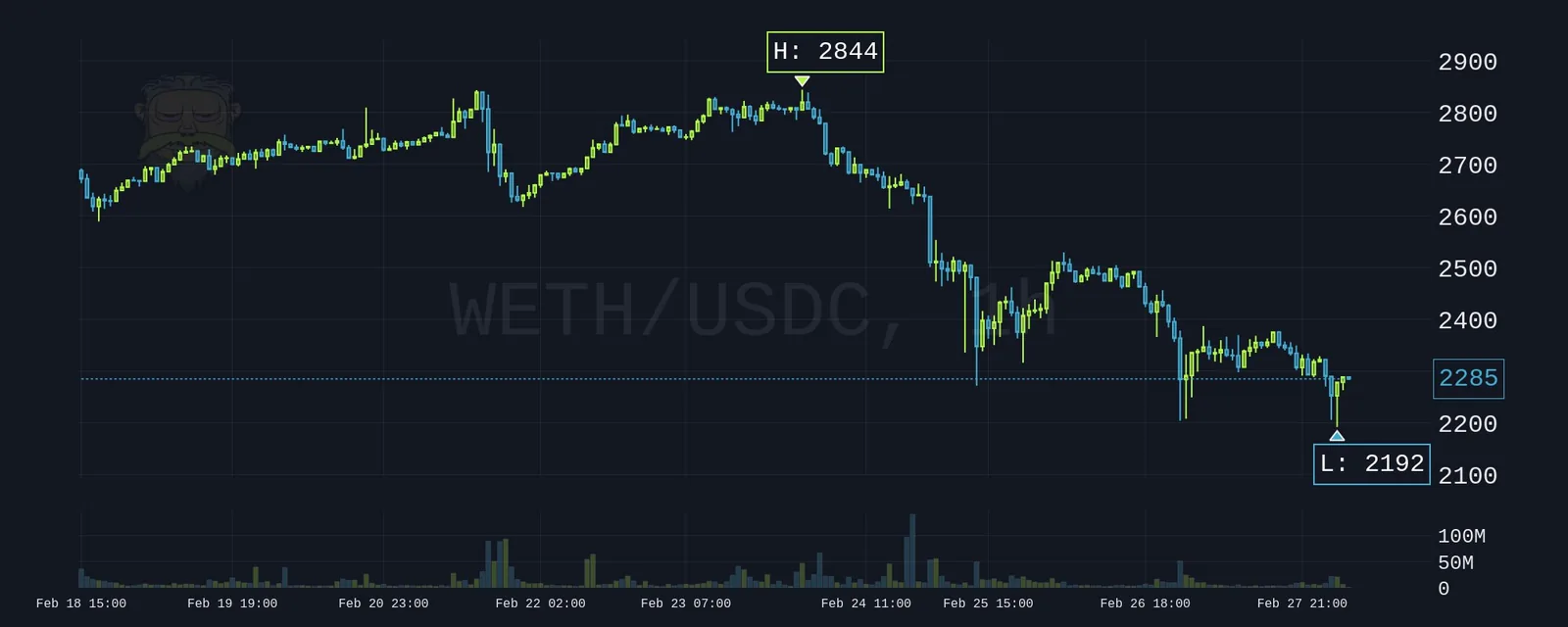
Minimal chart responses
/cc <token>- only the chart image, on Telegram and Discord./cx <token>- a very compact response that keeps the vital token details and quick links under the chart. Telegram only.
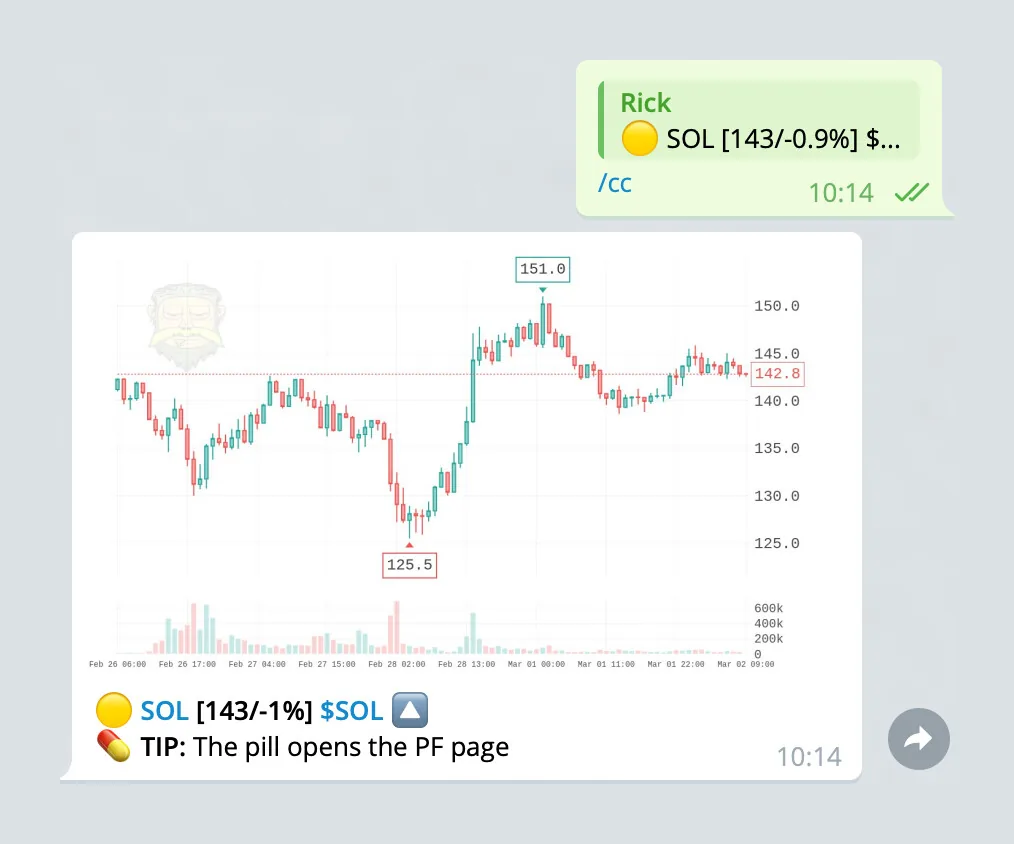
Themes
A range of popular themes is available, including dark and light themes inspired by TradingView. The theme applies to every chart in the chat.
/ctheme- list all themes with the current one marked./ctheme <name>- switch, for example/ctheme neon./ctheme default- back to the classic Rick style./ctheme random- a different theme on every chart.
Admins only in groups. It also works in your DMs with Rick.
Every theme below is available on both platforms unless noted. Tap a preview to zoom.
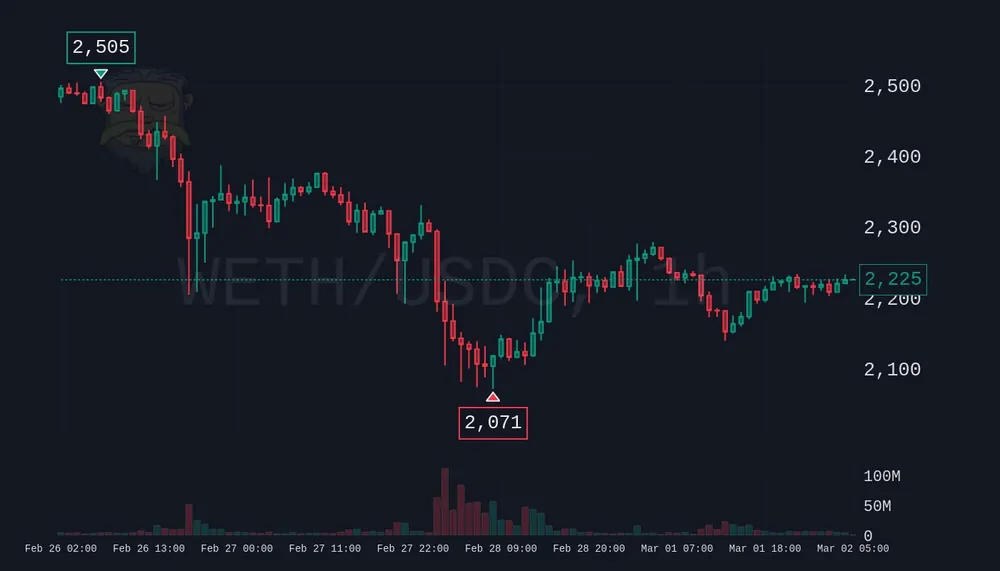 tradingview· dark TradingView style
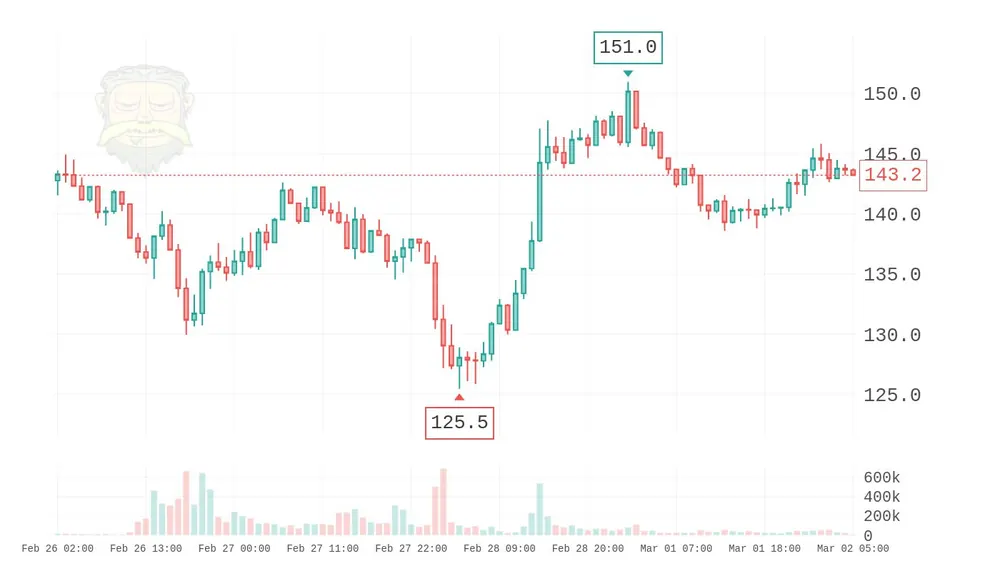 tradingview_light· light TradingView style
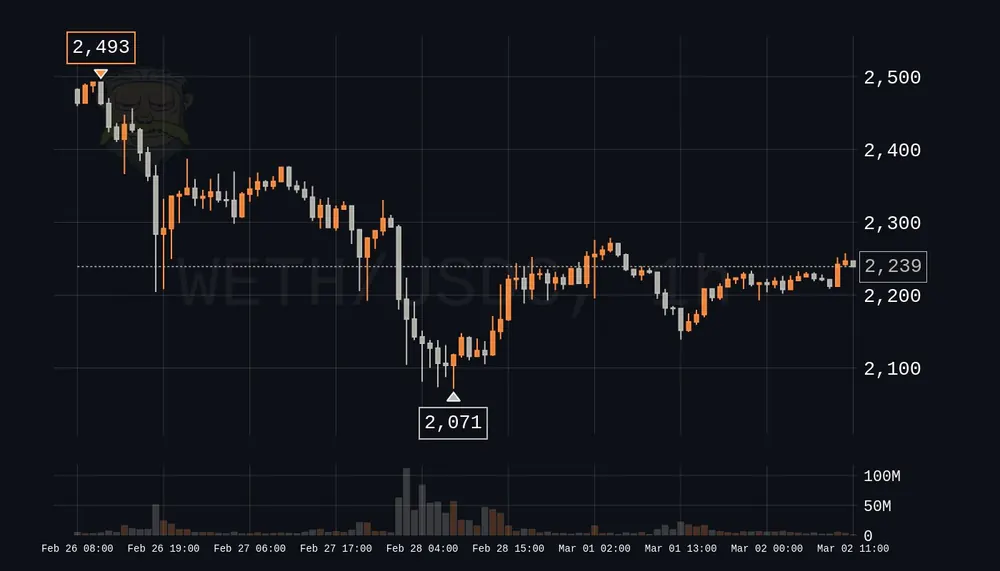 bloomberg· Bloomberg orange
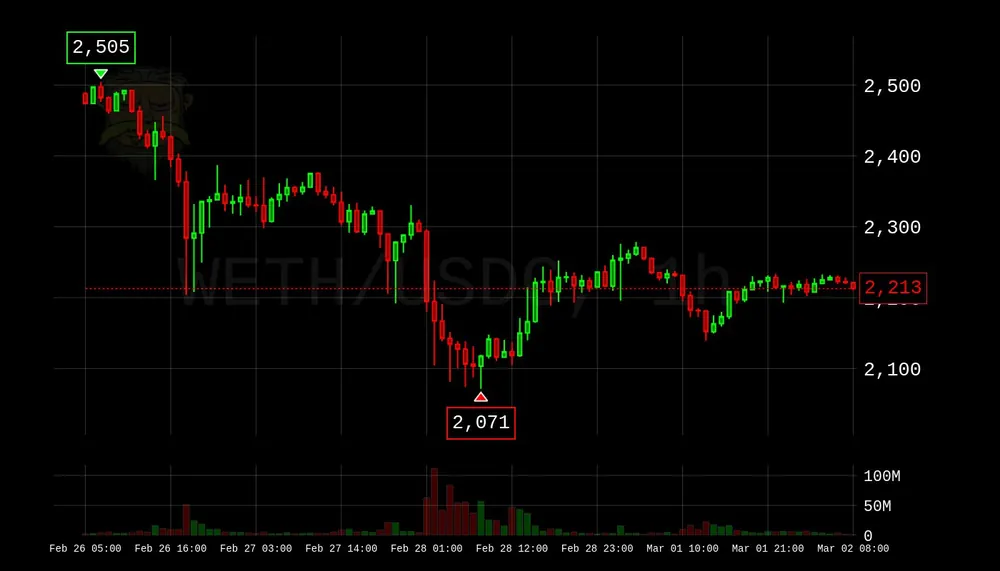 high_contrast· maximum visibility
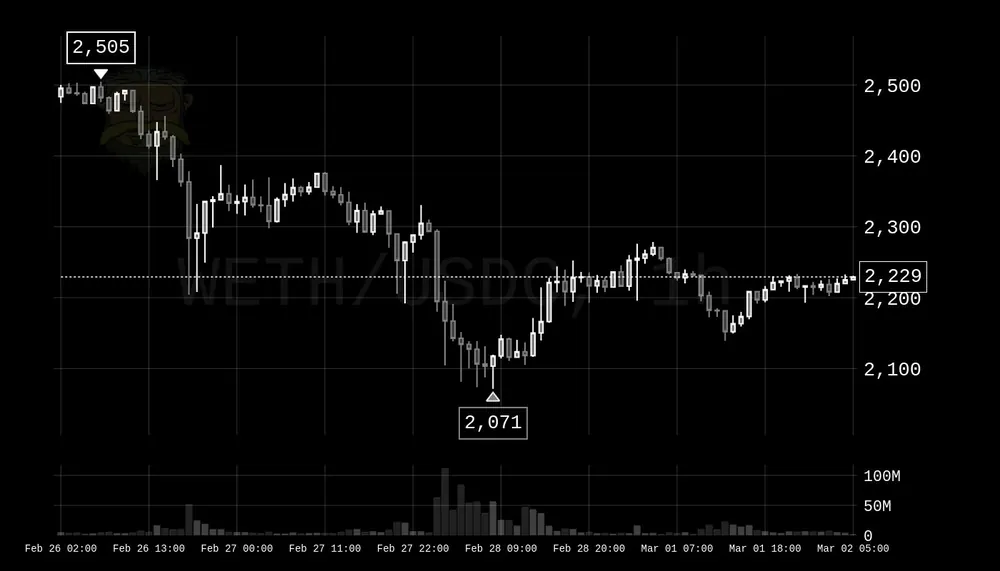 monochrome· black and white
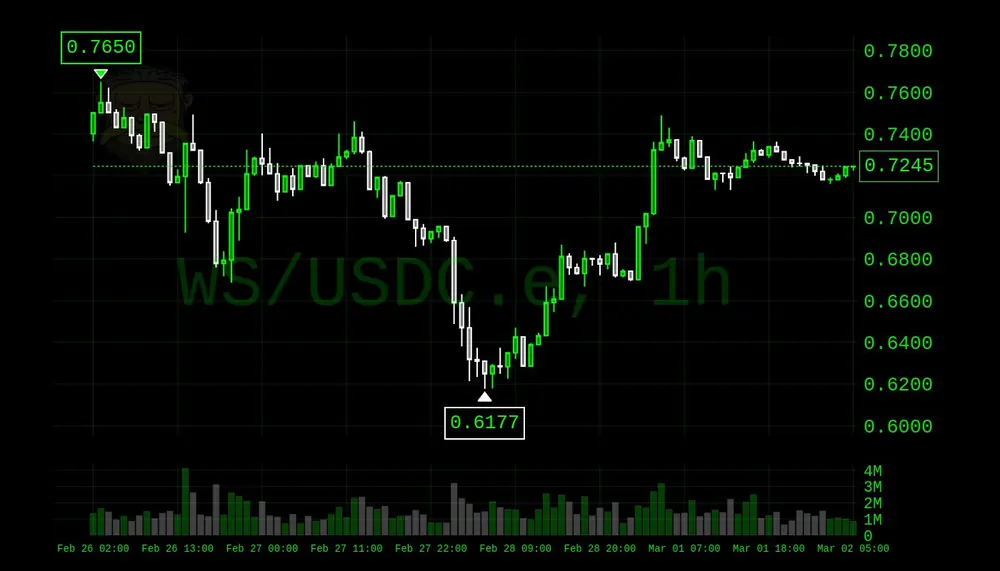 terminal· computer console
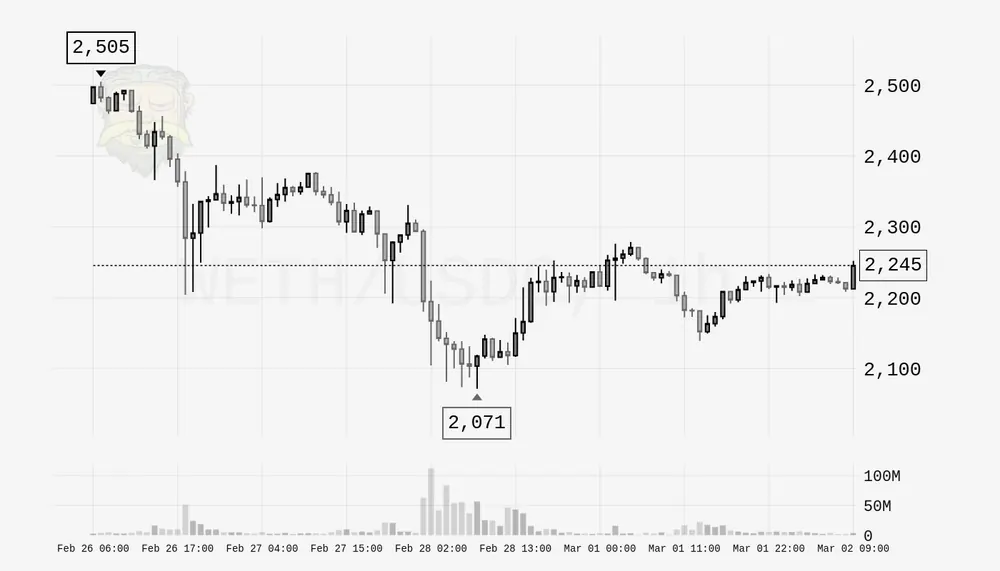 newspaper· print style
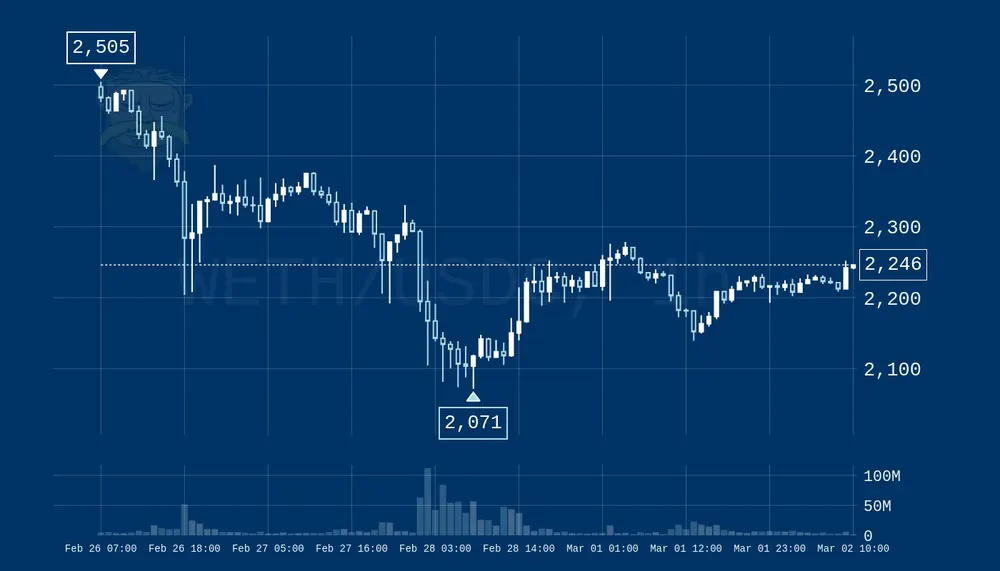 blueprint· tech blue
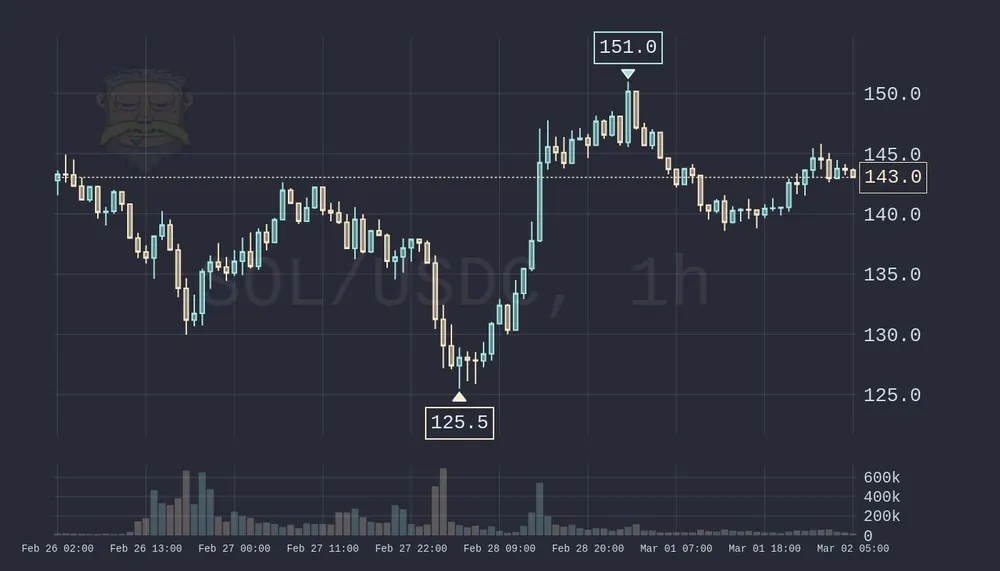 pastel· soft colors
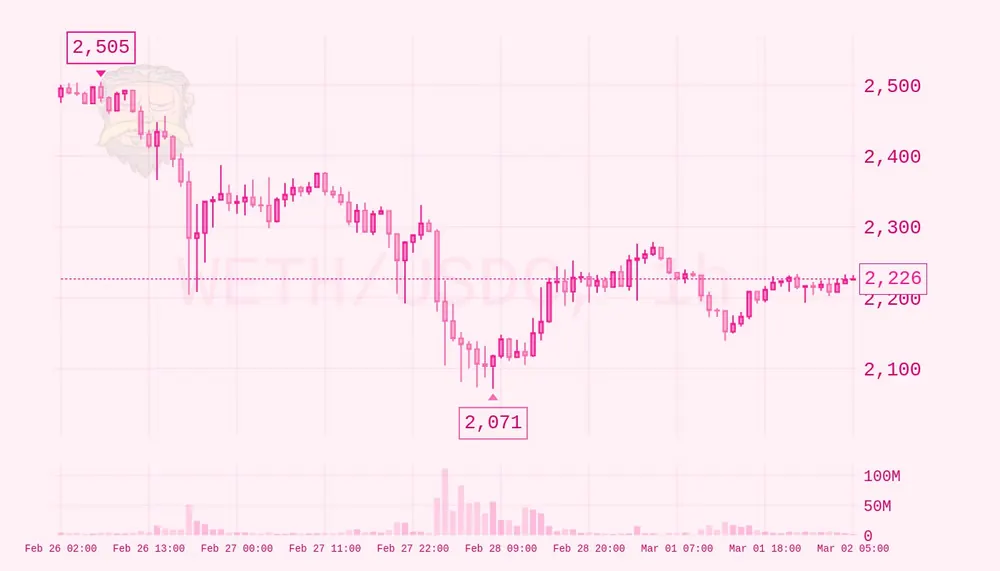 pink· cute pink
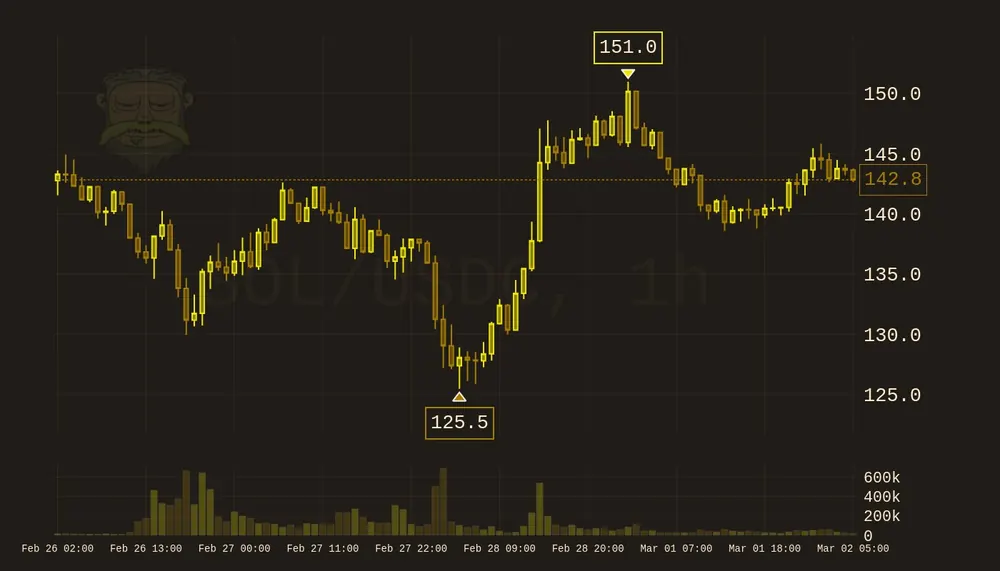 vintage· sepia tones
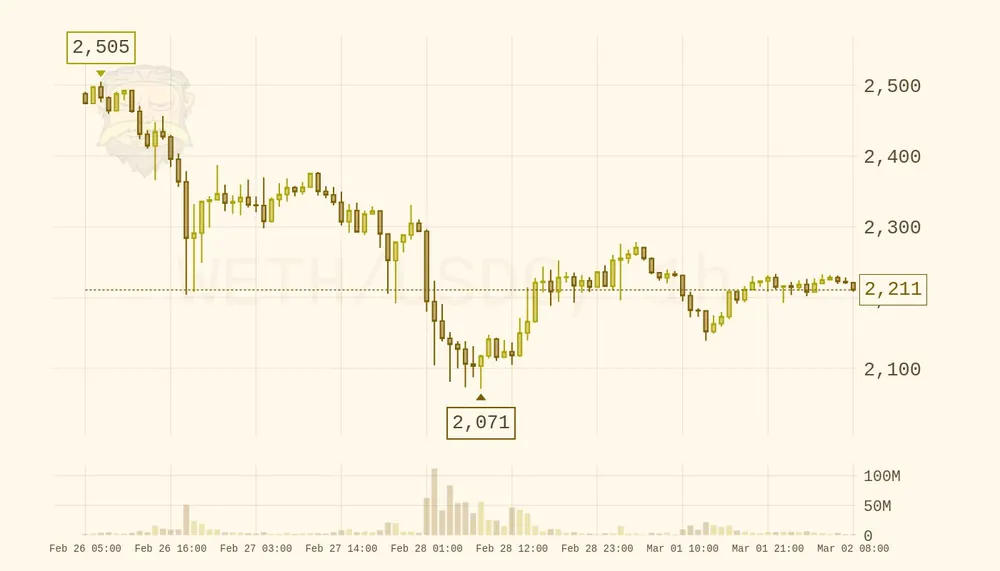 vintage_light· light sepia
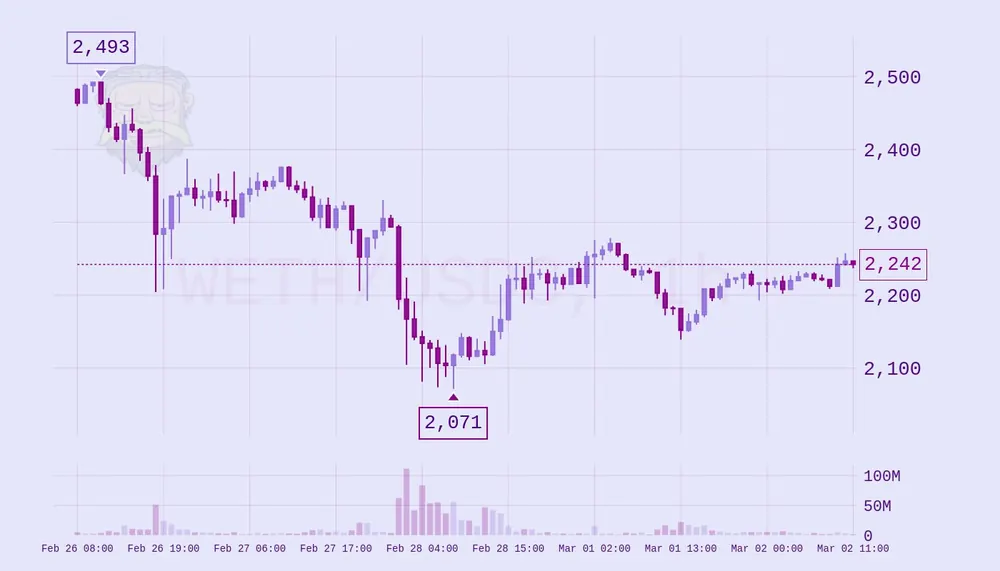 lavender· soft purple
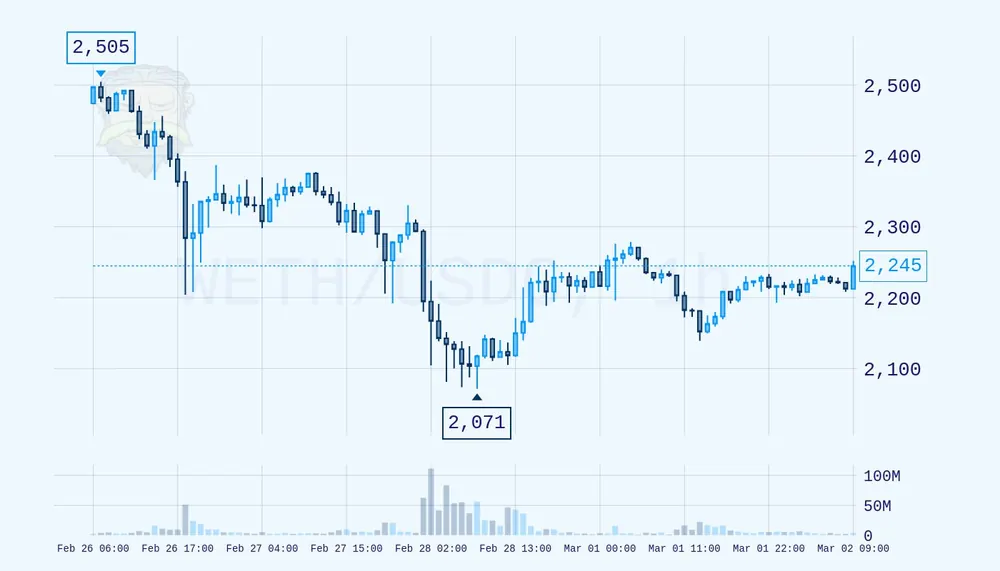 arctic· ice white
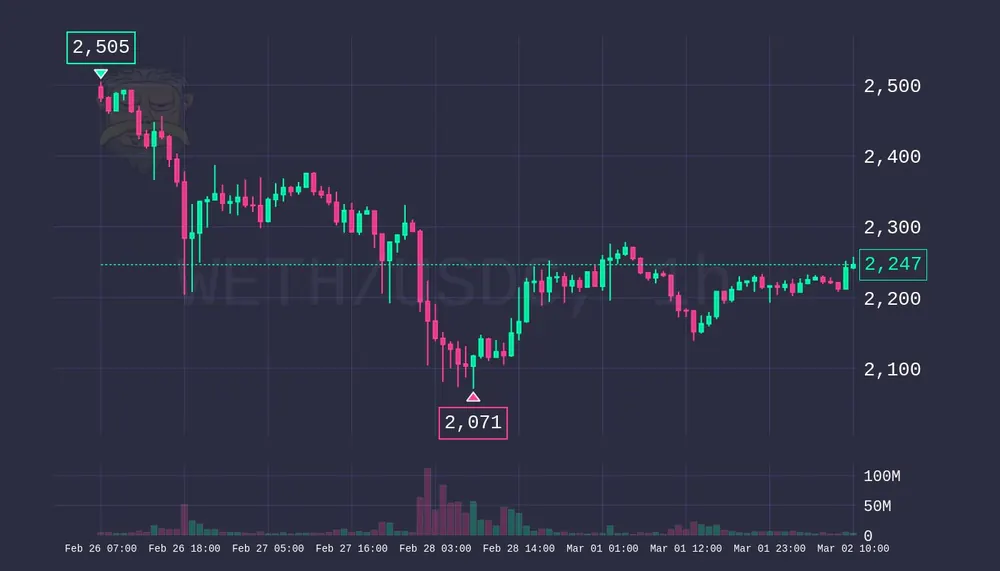 zen· bold and calm
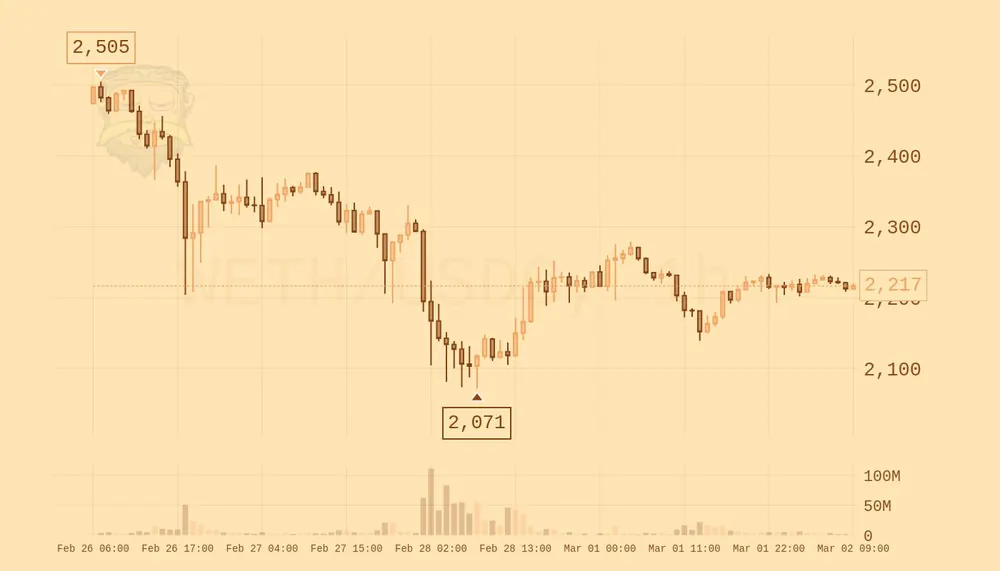 desert· sandy warm
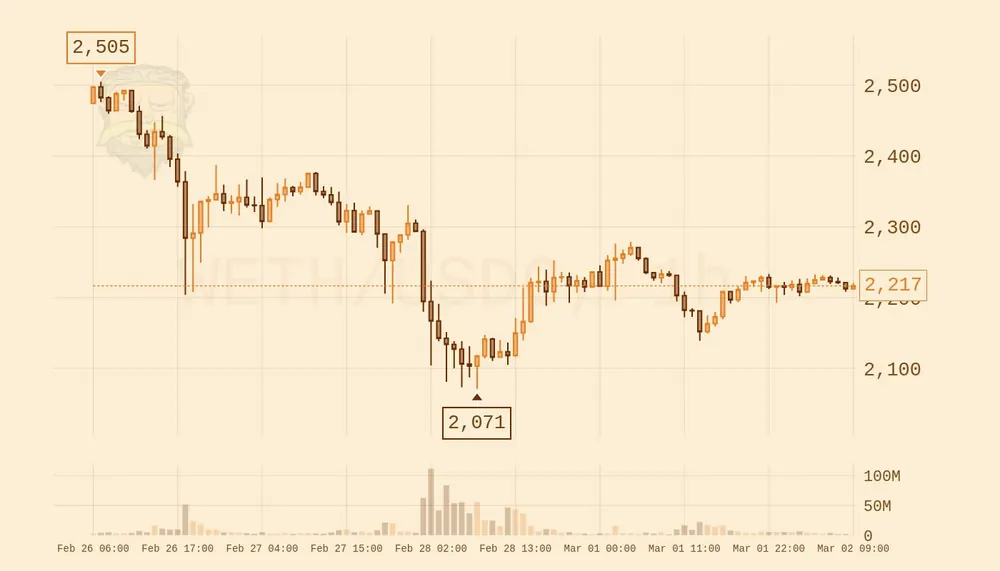 autumn· fall colors
neon - teal and pink. The example preview above shows this theme.
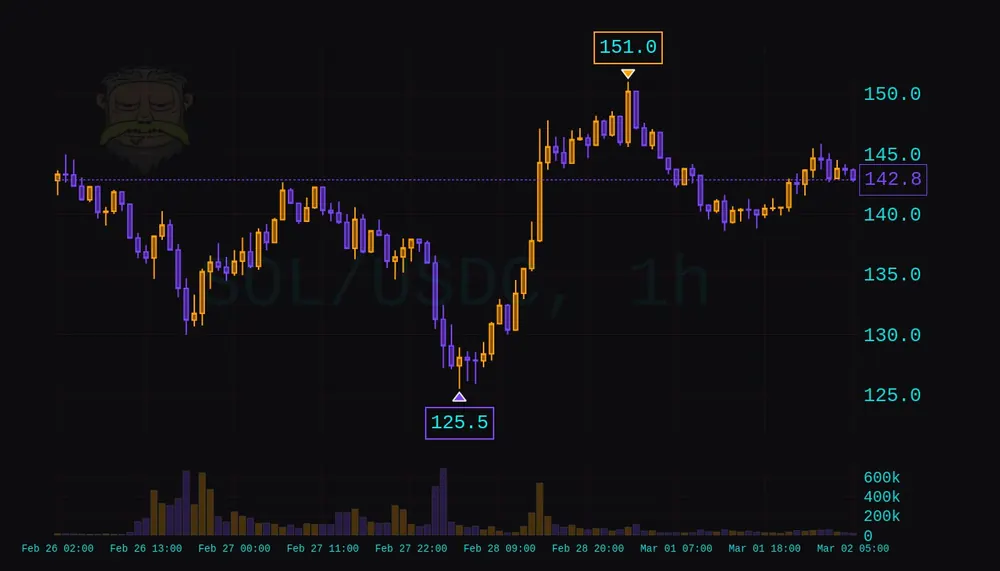 cyberpunk· yellow and purple
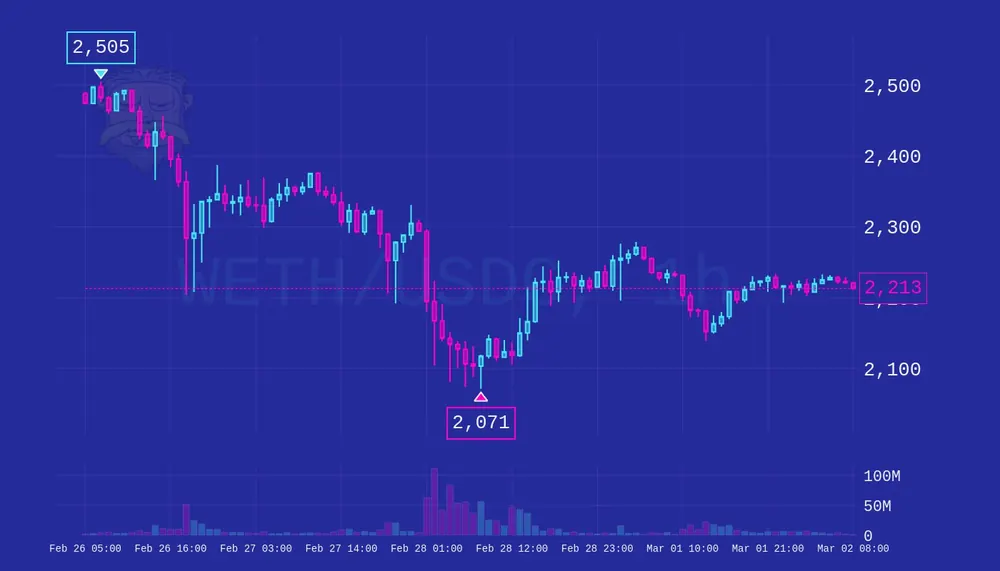 synthwave· 80s retro
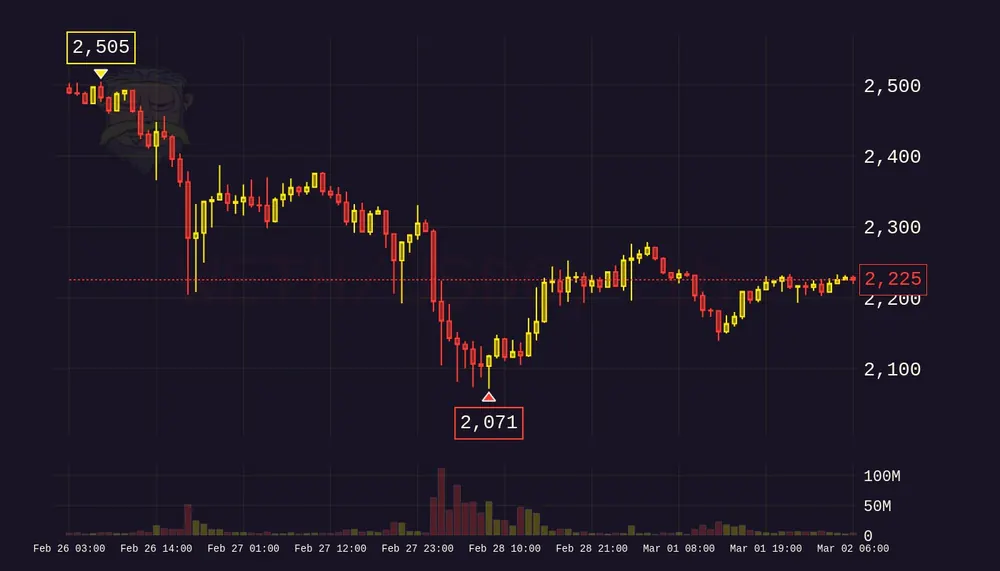 tokyo_night· urban dark
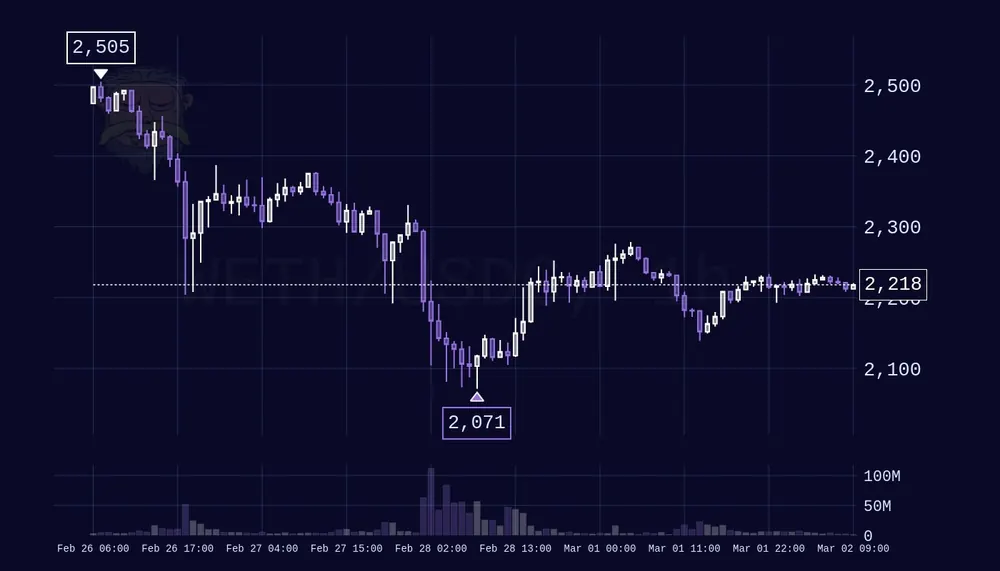 midnight· space dark
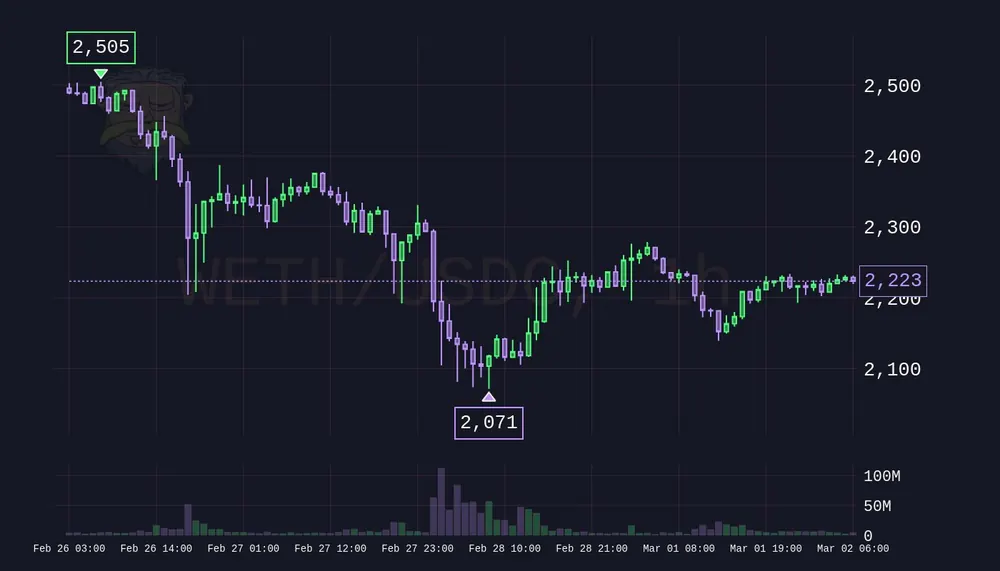 dracula· dark purple
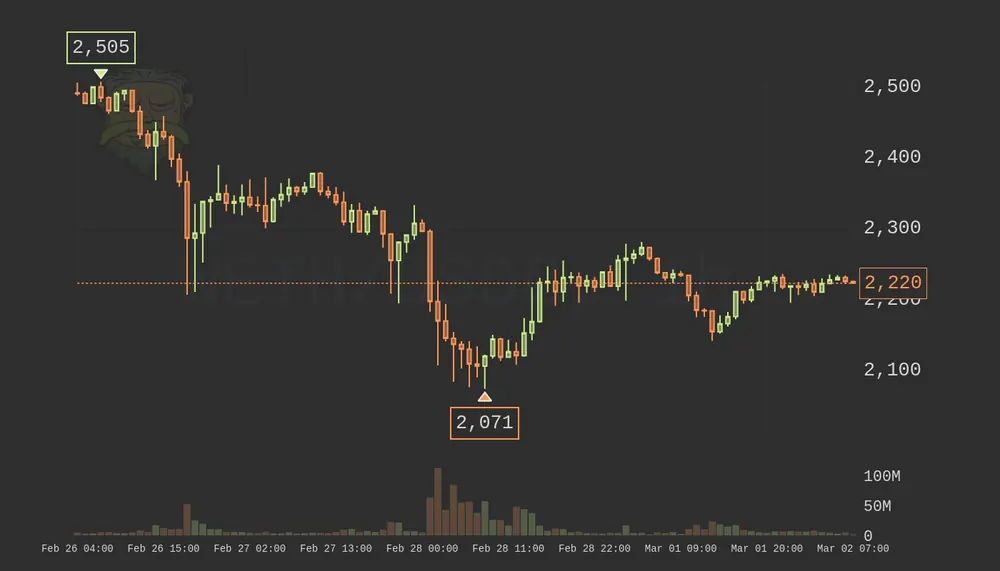 monokai· vivid colors
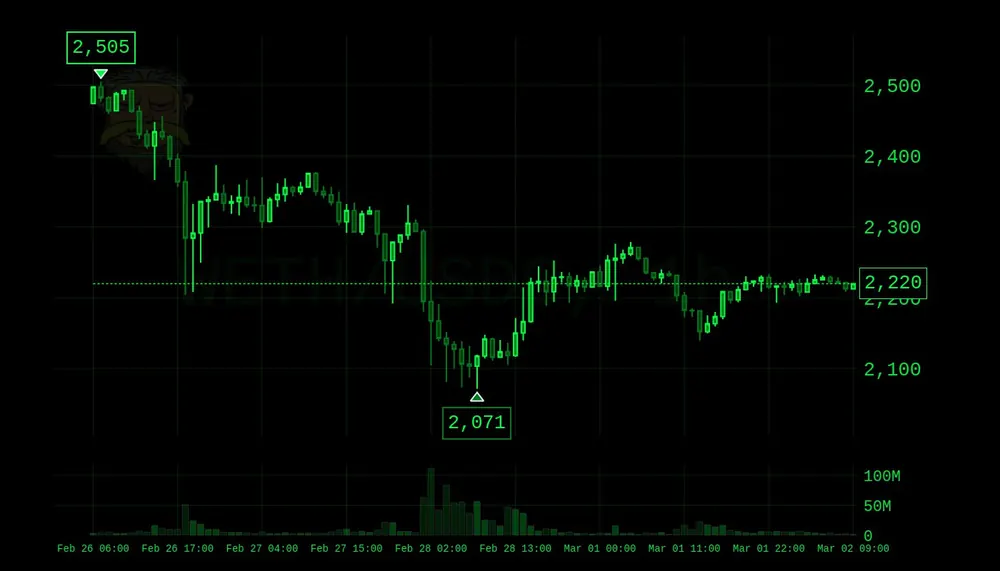 matrix· digital green
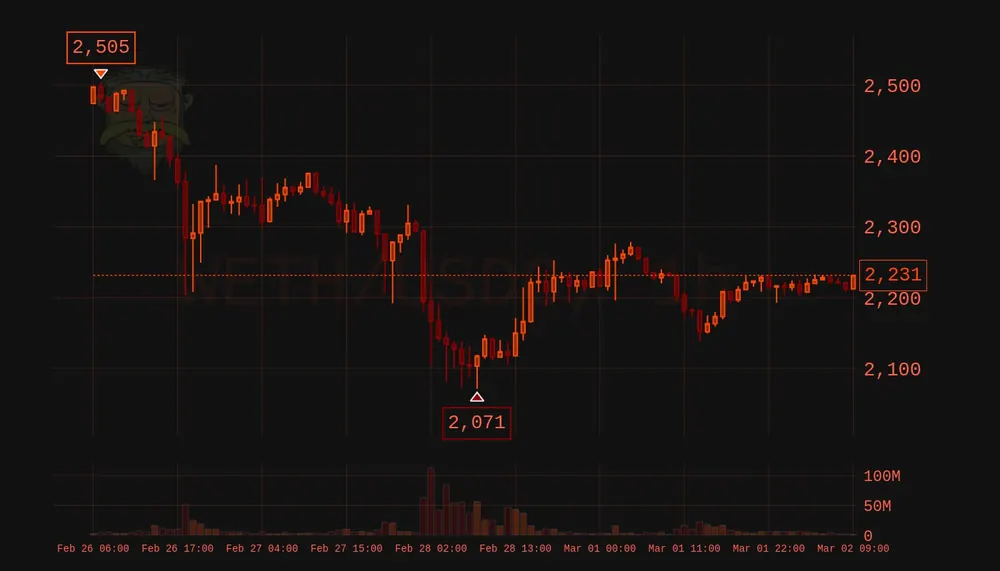 volcanic· lava dark
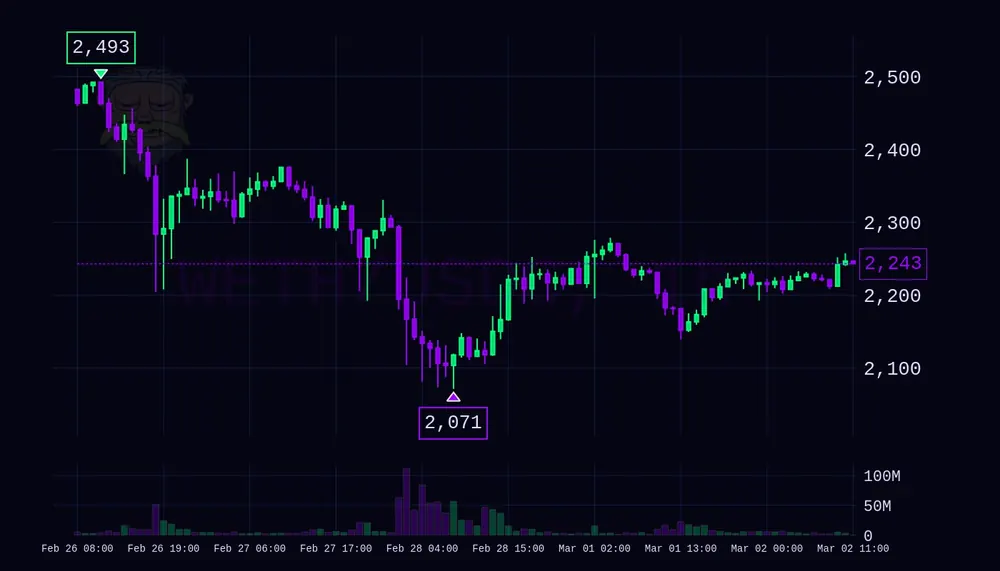 galaxy· space alien
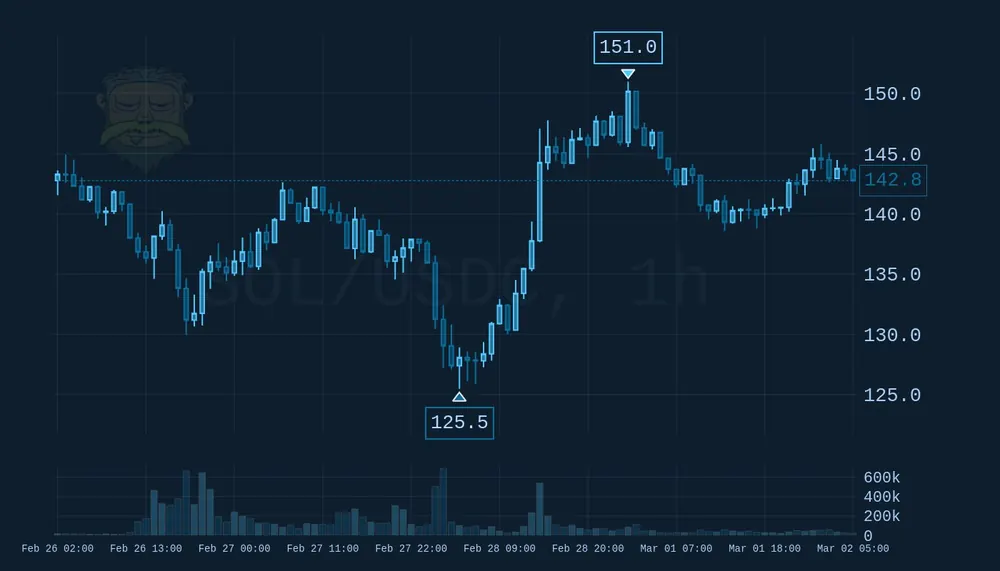 ocean· deep blues
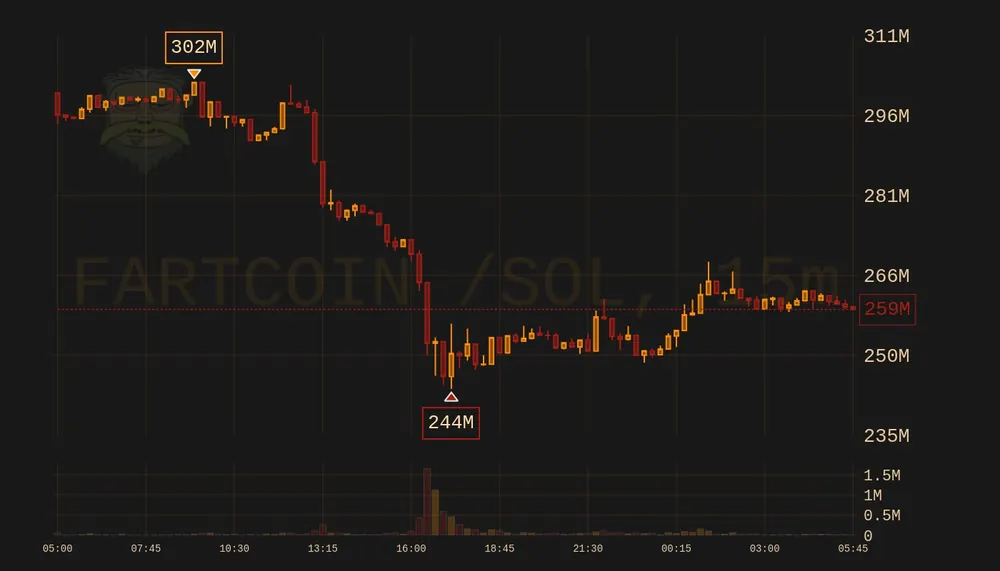 sunset· orange and red
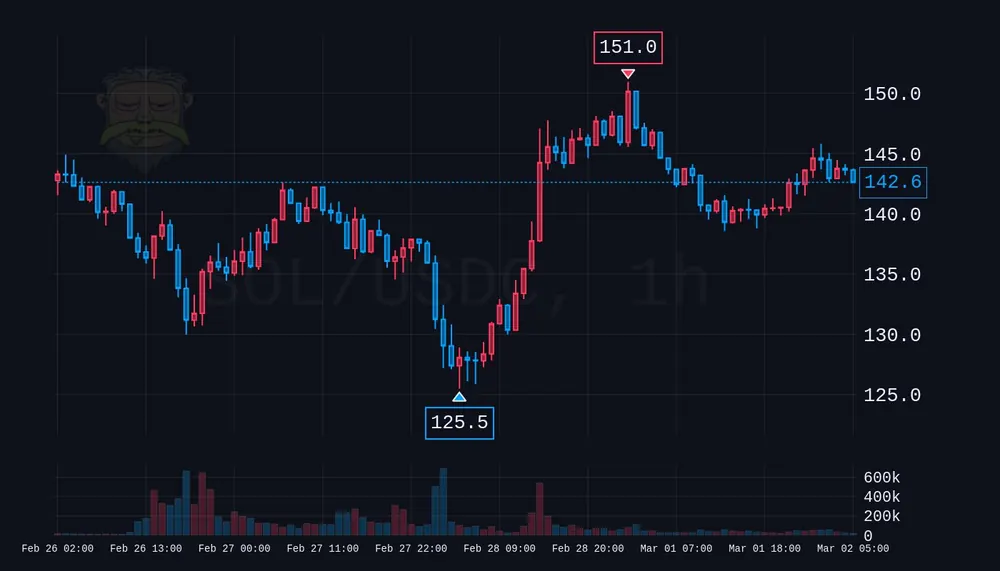 polarize· red and blue
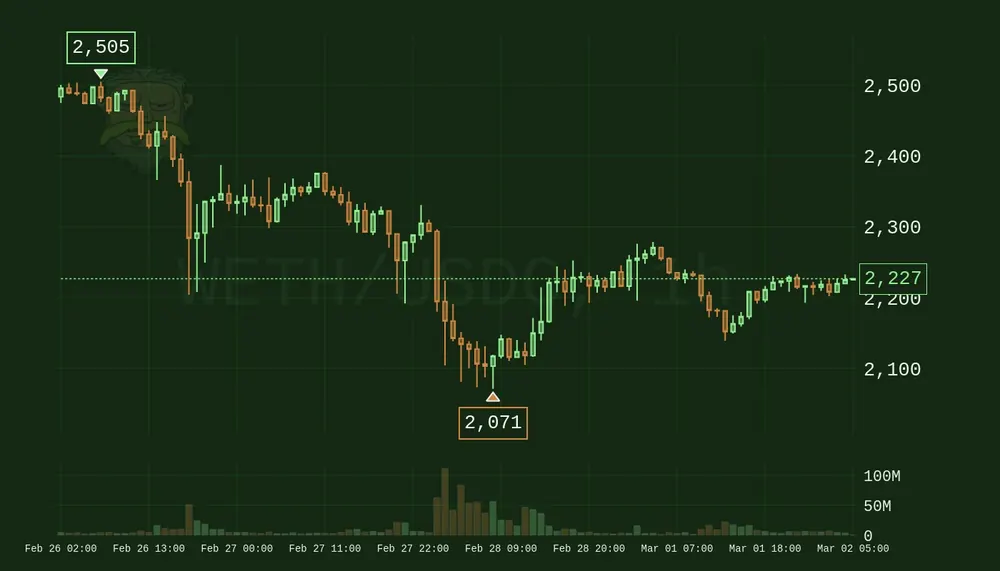 forest· earth tones
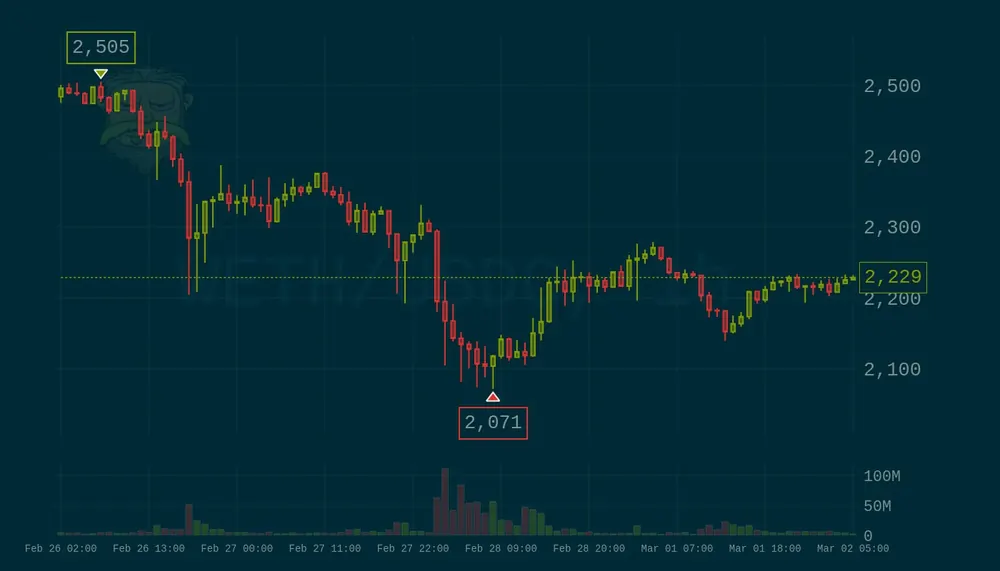 solar· clean and sharp
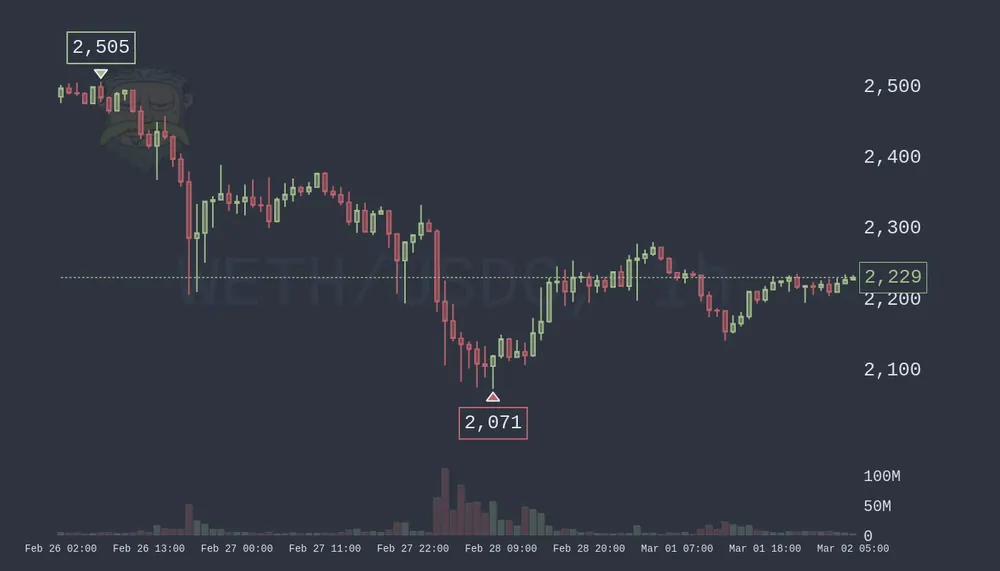 nord· arctic blues
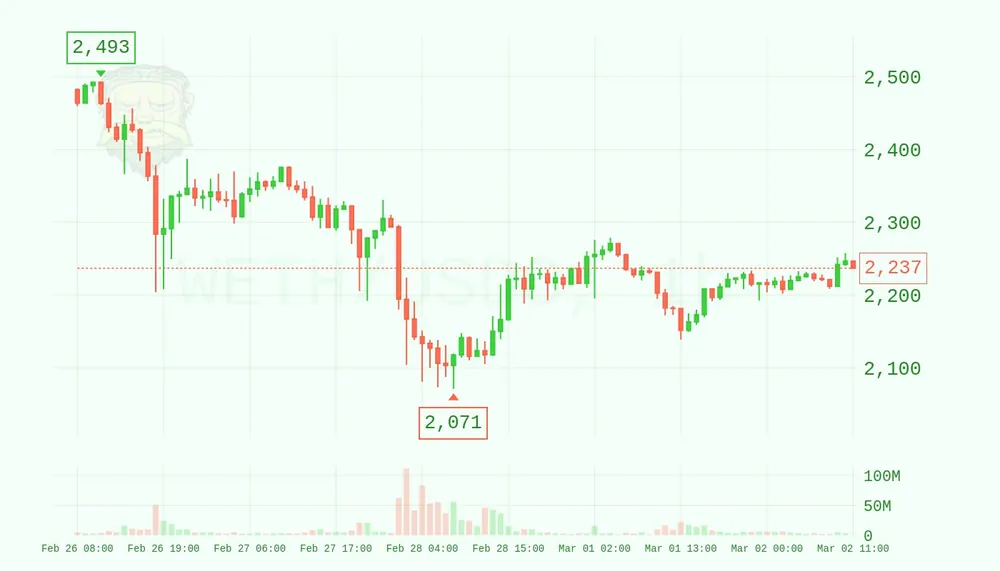 greenday· green and orange
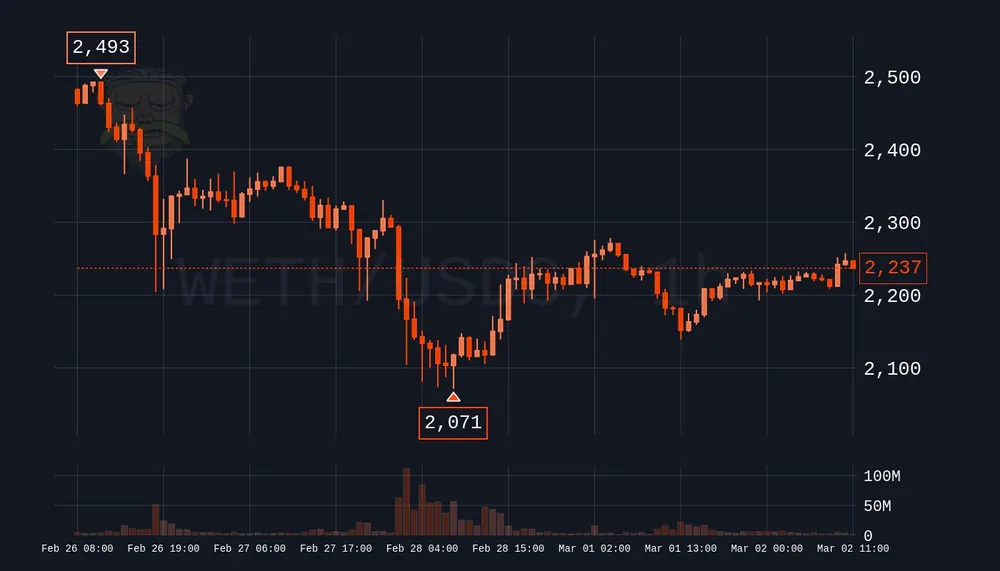 squeeze· dark orange
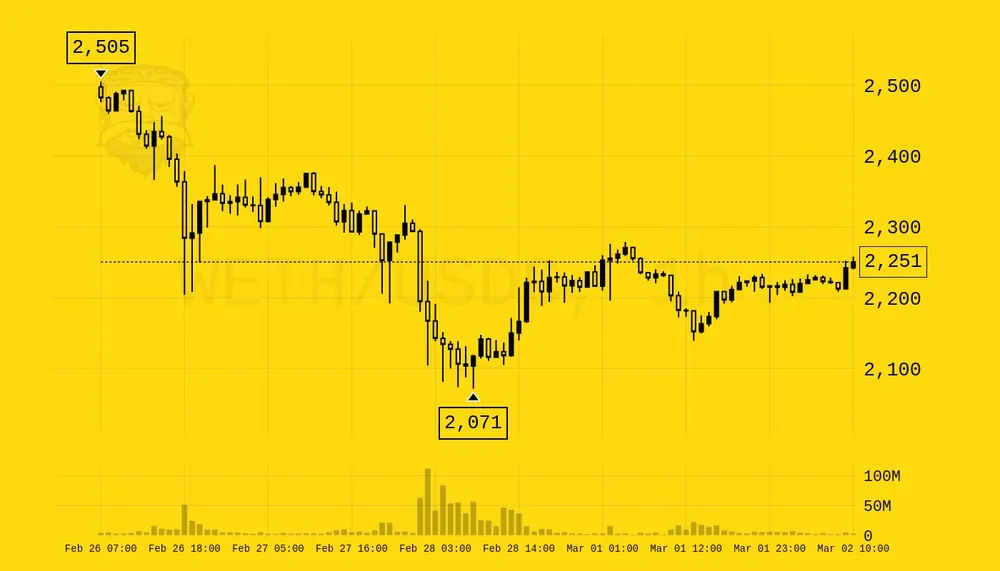 simpsons· yellow and black
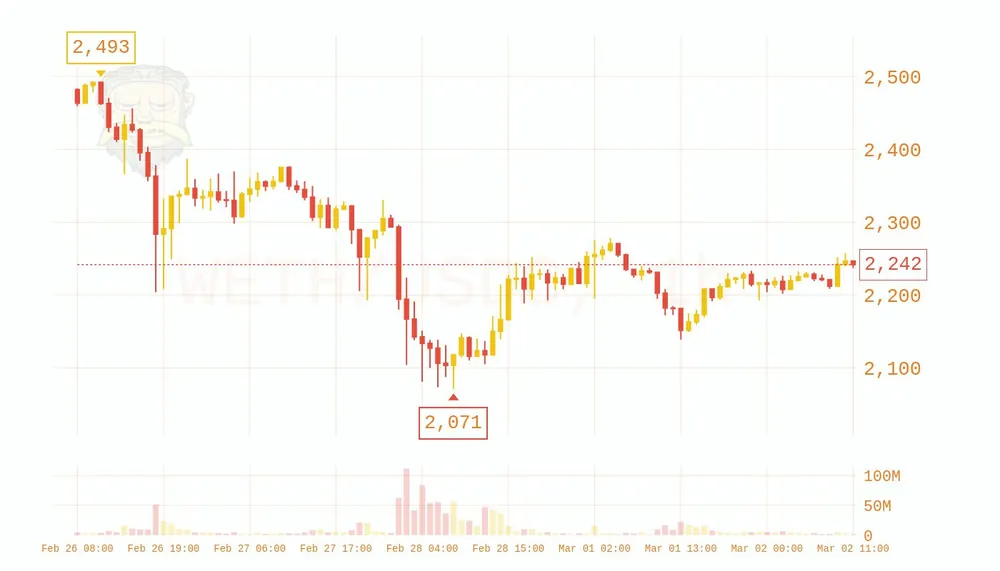 wagie· wagie inspired
default- classic Rick style.random- a random theme per chart.blossom- spring tones.
Charts by default
To include a chart on every scan without typing /c, set /autoimg c or
/autoimg cwide. The full list of image modes is on
Pricebot.
How is this guide?